INTERNAL / DRAFTGitLab·Engineering & support
GitLab projects, groups and access scope
Projects versus groups
A project holds the repository, work items, merge requests and project members. A group organizes related projects and can provide inherited membership. The demonstration contains the Product Team group and Product Team / Unlsh Core project.
Open the correct project
- In the GitLab left navigation, select Projects.
- Find Product Team / Unlsh Core, or the project named in your support handoff.
- Confirm the project title and namespace, not just a similar-looking name.
- For broader team access select Groups and enter Product Team if your role allows it.
- Check the private padlock before sharing any links or data. Private means membership controls apply, not that the information is safe to share externally.
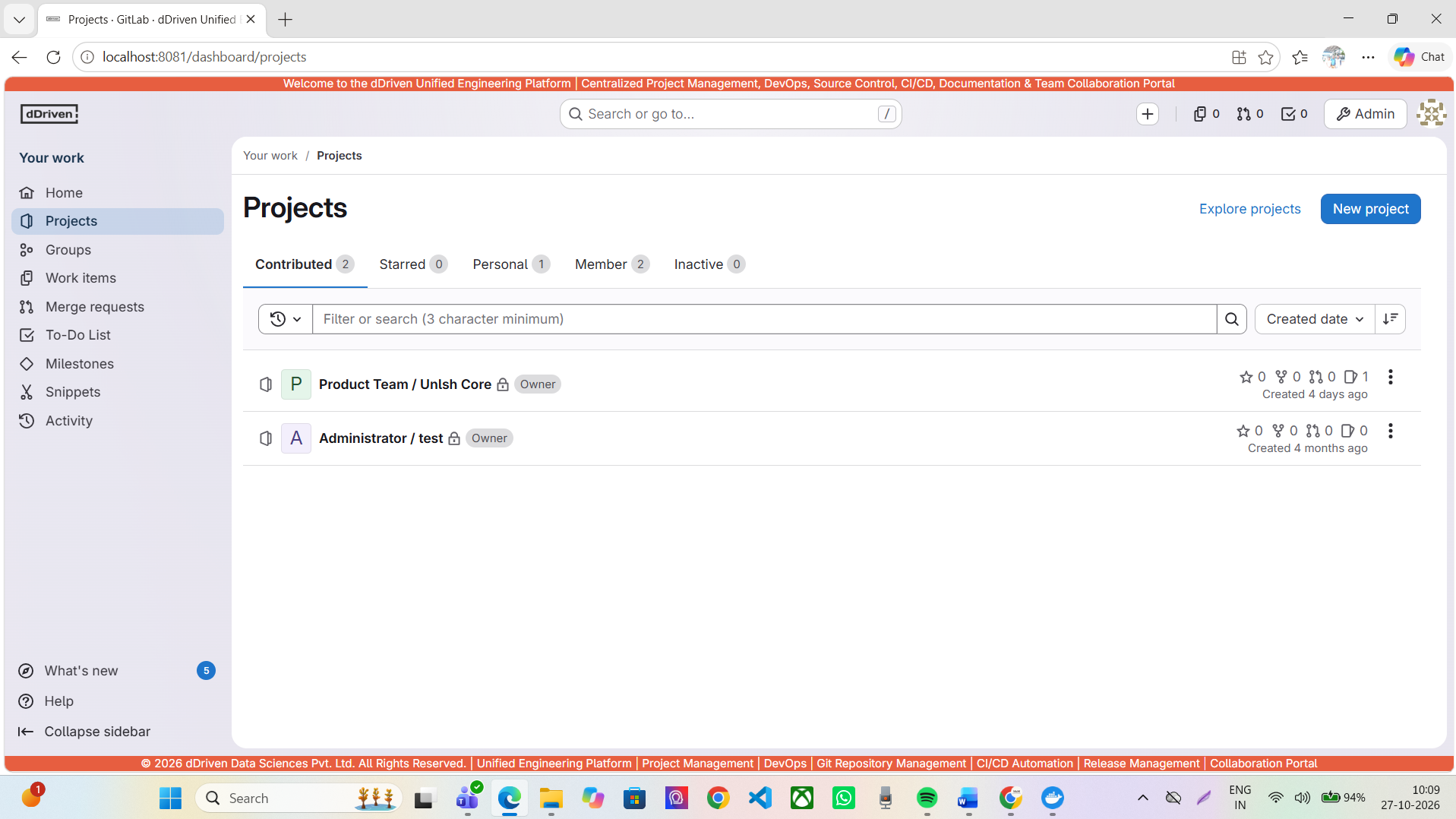
Figure: GitLab project list featuring Product Team / Unlsh Core. Screenshot captured 27 October 2026; internal use only.
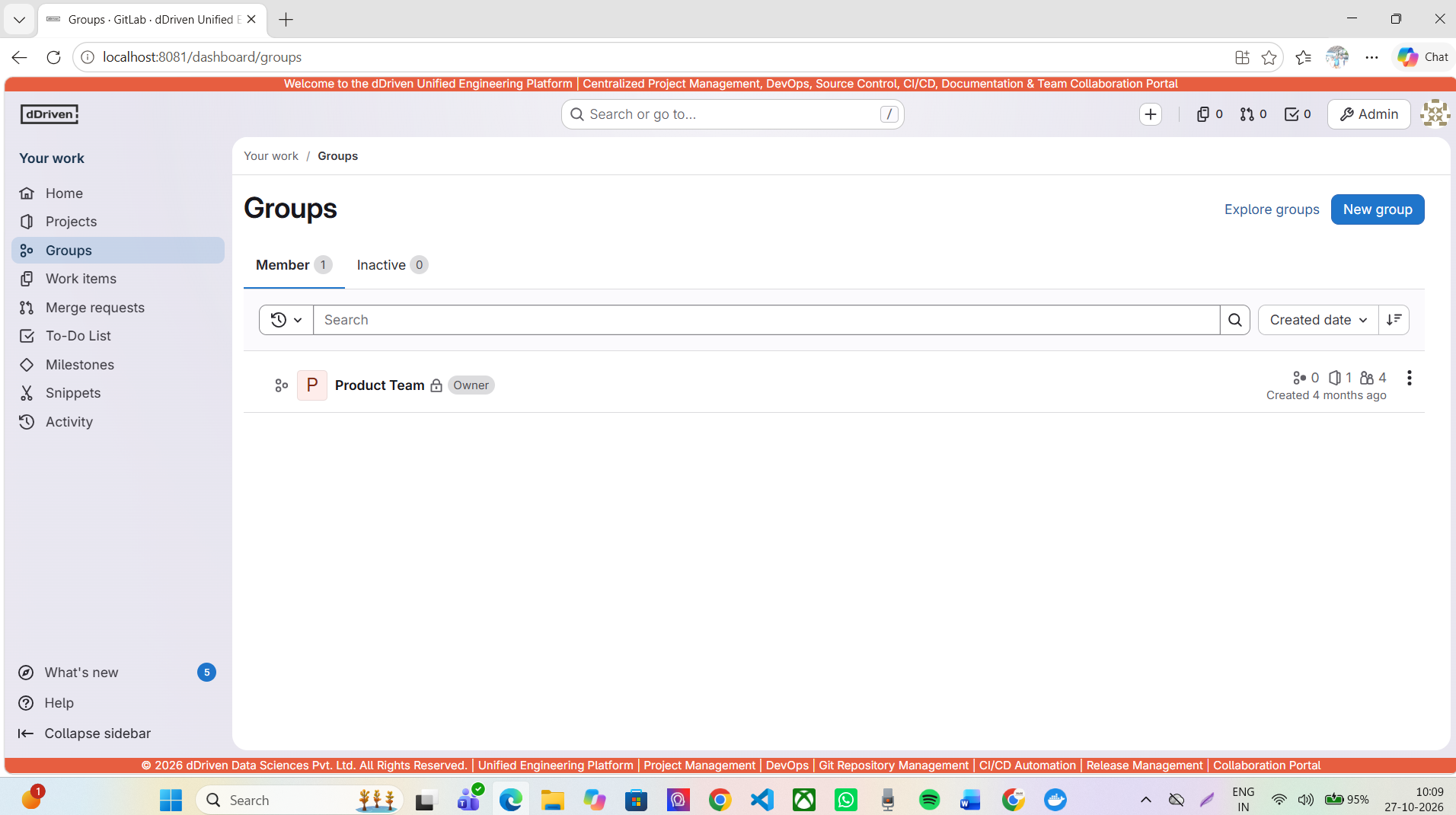
Figure: GitLab group list featuring Product Team. Screenshot captured 27 October 2026; internal use only.
Before editing a project
- Check you are in the correct project and target branch.
- Understand the repository protection and merge approval rules configured for that project.
- For customer work, record the originating ticket identifier in commits and work items without copying unnecessary personal data.
- Request membership from the designated project owner instead of using a broad instance-administrator account.